

Last year I shared links to hundreds of free games on Steam. I have since stopped writing such posts. Yet, some readers may still want to check out the new free titles that are released on the platform each week. To help with that, here are some instructions.
Of course, there are a multitude of ways to get to the Steam Store. As such, I’ve prepared a wide variety of ways to explain the process. These include,
- Finding Free Games With a Desktop Browser
- Other Options on Filtering Titles
- Finding Free Games on the Desktop (Photos Only)
- Finding Free Games on Your Phone Through a Browser (Photos Only)
- Finding Free Games Using the Steam App (Photos Only)
Note: The search results shown in this post are just representative examples. I haven’t played any of the titles shown in this post. Nor am I associated with any of the developers.
Finding Free Games With a Desktop Browser
The first thing to do is to go to the Steam Store at https://store.steampowered.com.
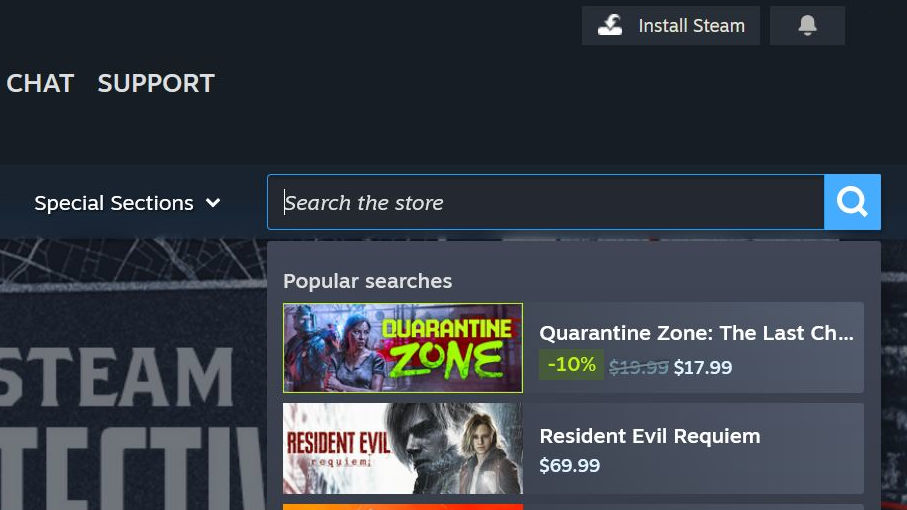
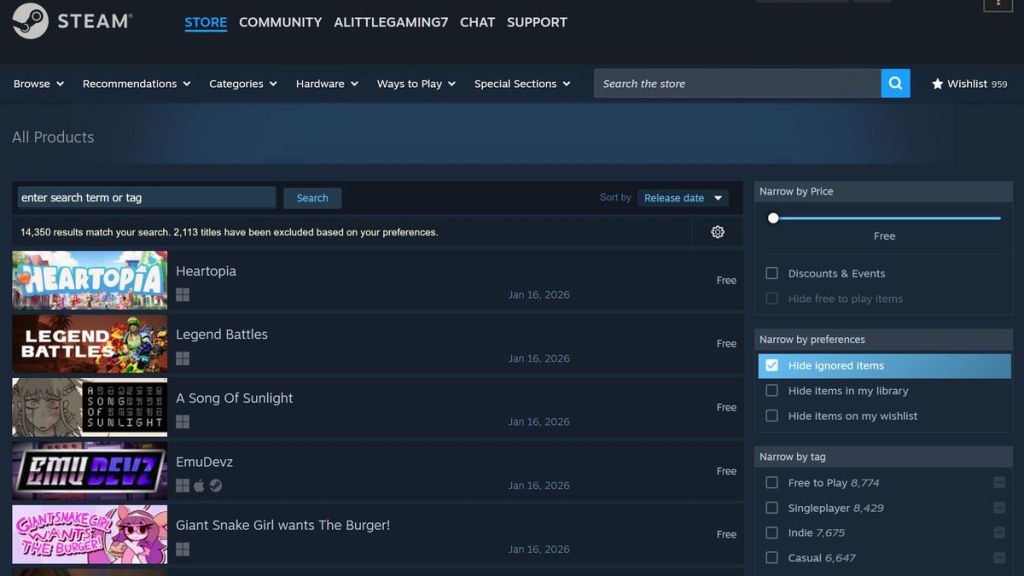
Load the page and near the top you will see a search box with the words “Search the Store.” Click on the magnifying glass that is to the right of it.
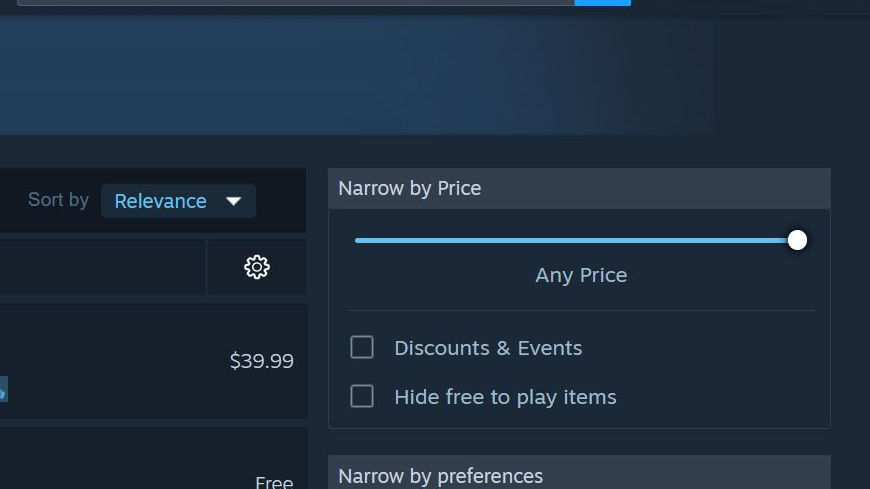
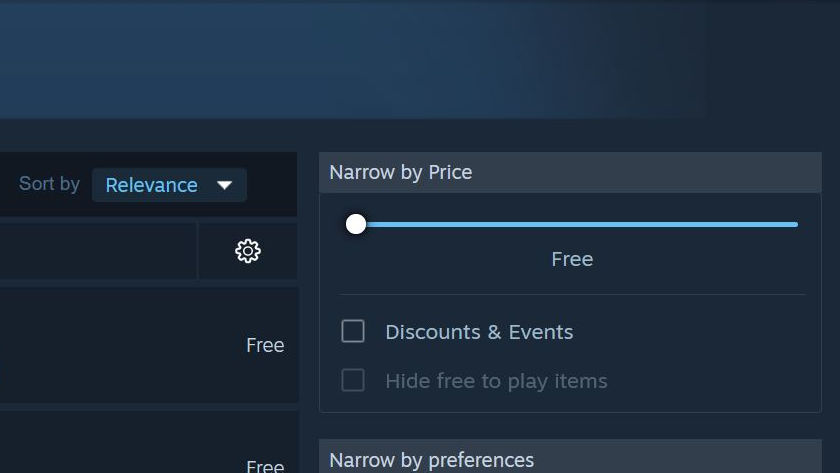
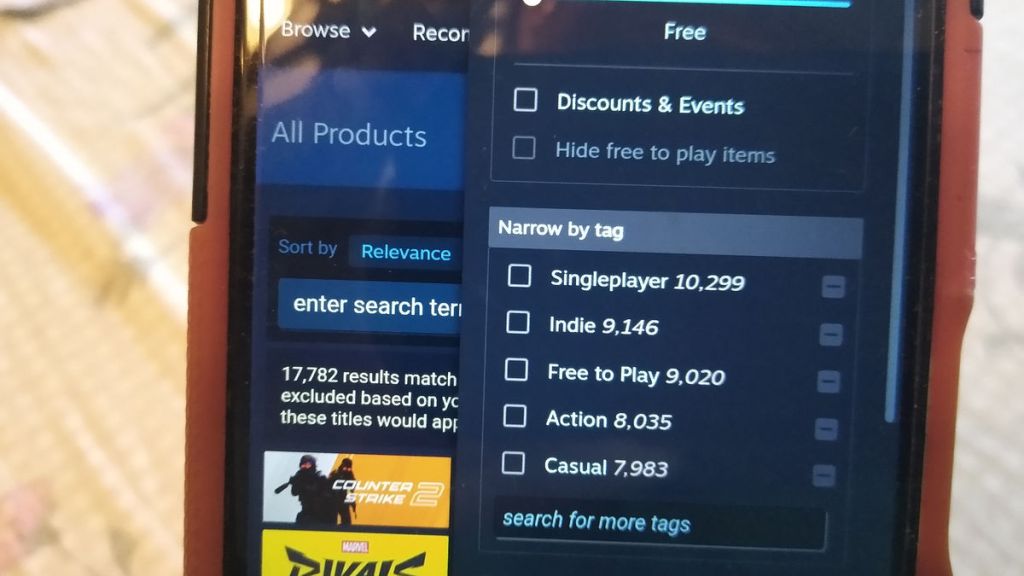
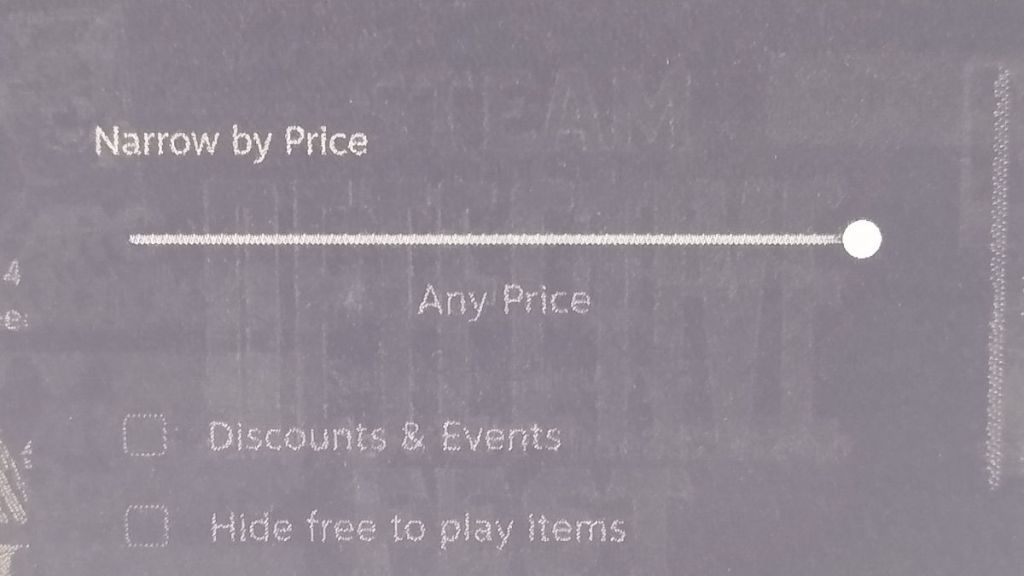
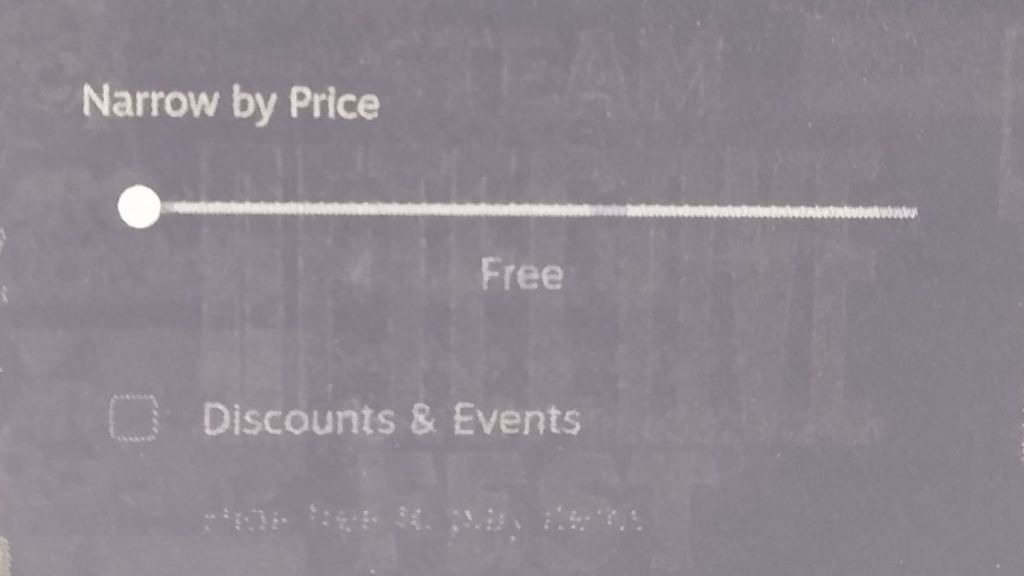
That will take you to a new page. On the right side you’ll see various options. In the “Narrow by Price” section, move the bar to the left until it says “Free.”
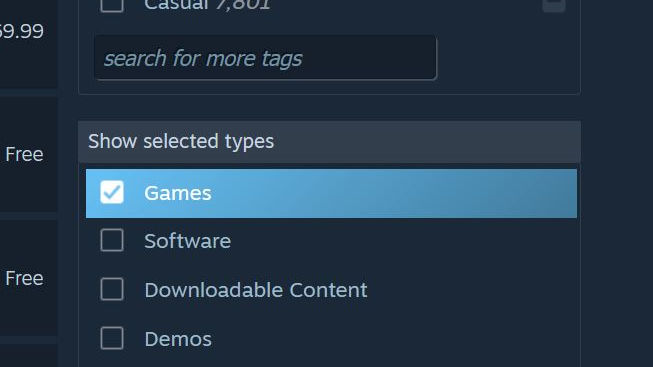
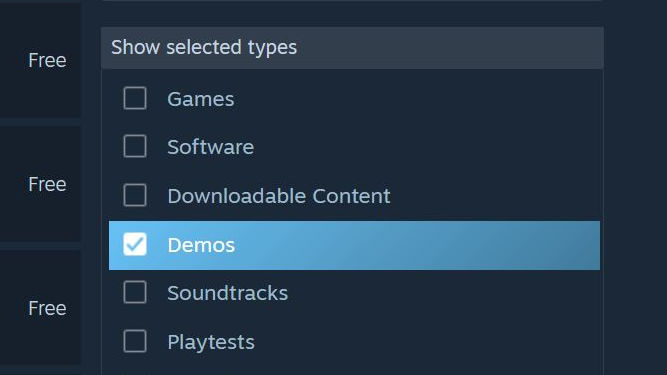
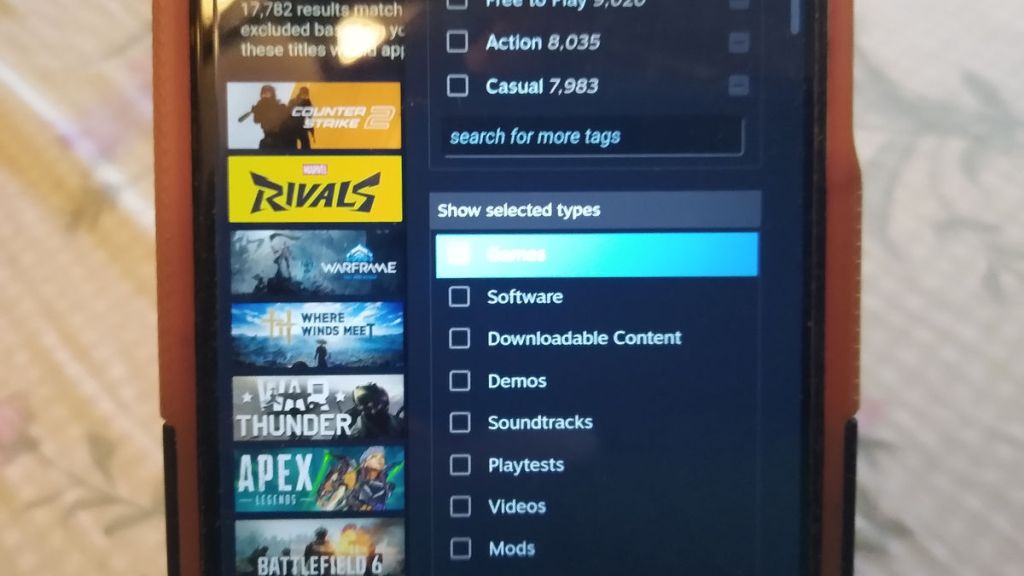
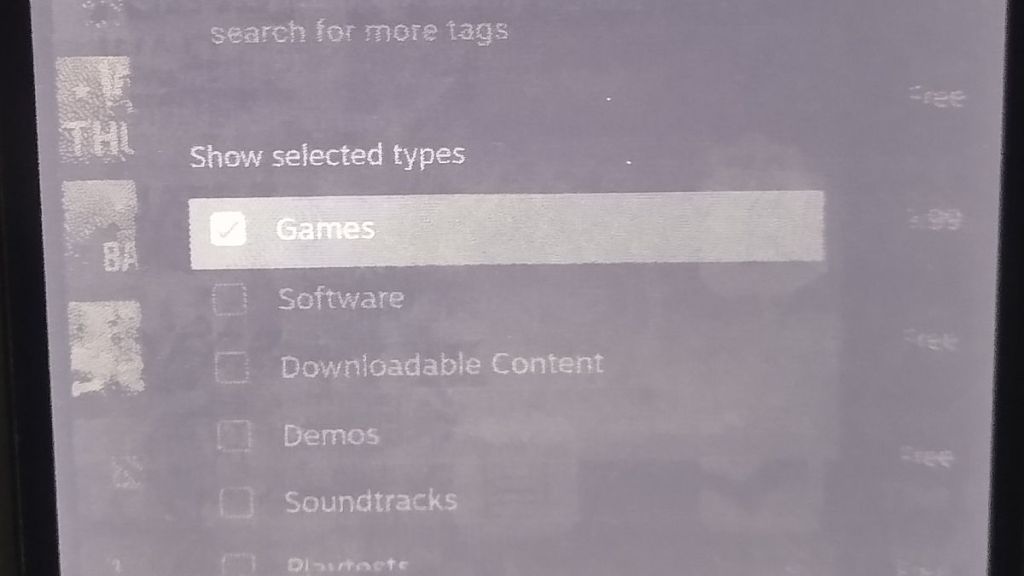
Below that you’ll see other sections that allow you to filter your results by different preferences, such as tags. See below if you want more tips on that. A few sections down you’ll see one titled “Show selected types.” Click on Games.
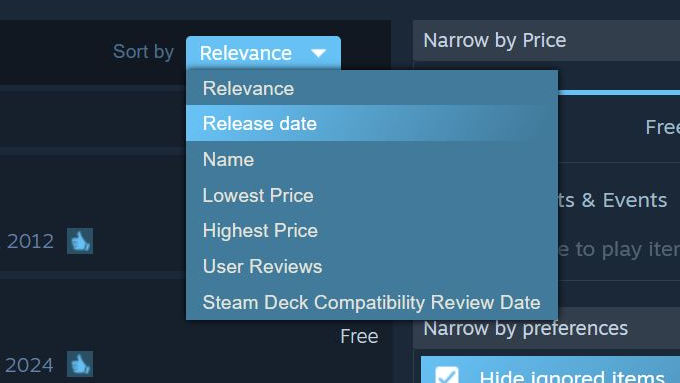
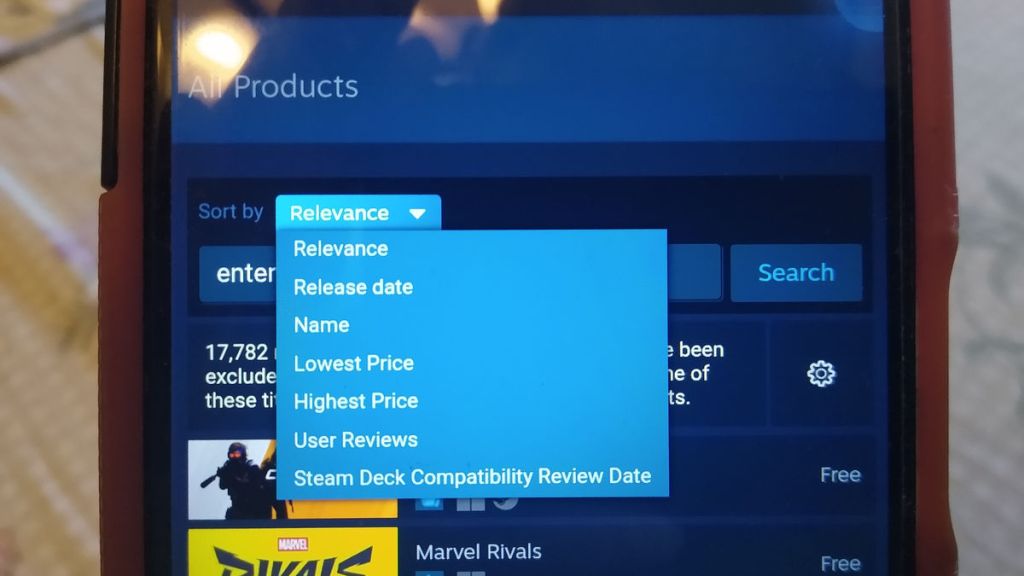
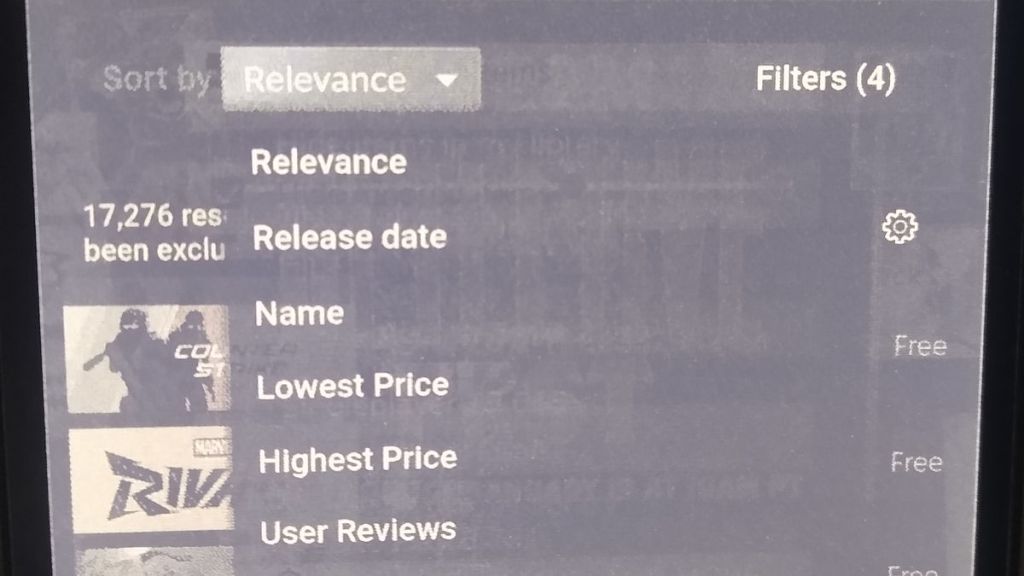
Near the top of the screen, to the left of “Narrow by Price,” you’ll see a selection for Sort by with the default value of “Relevance.” Change it to “Release date.”
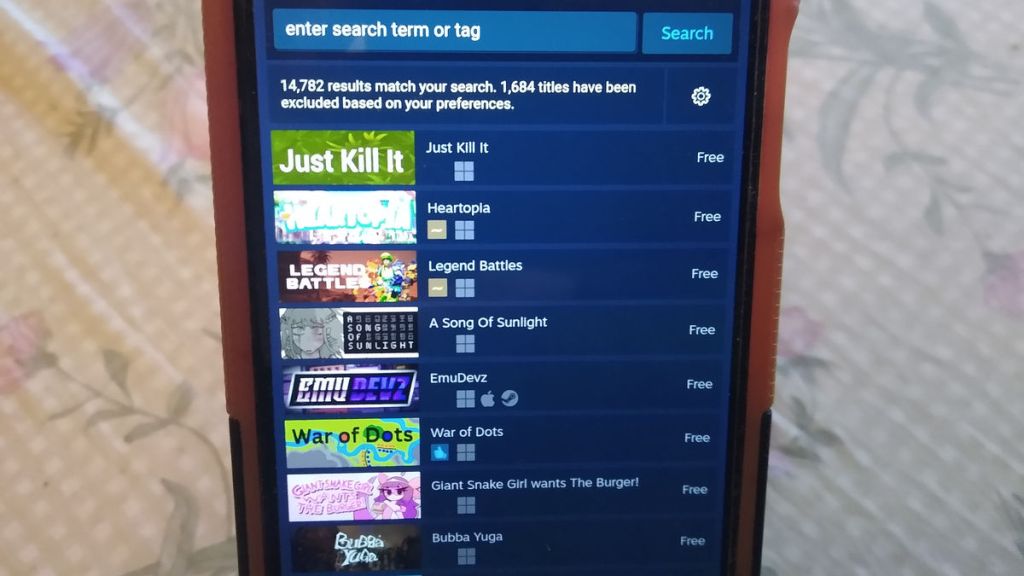
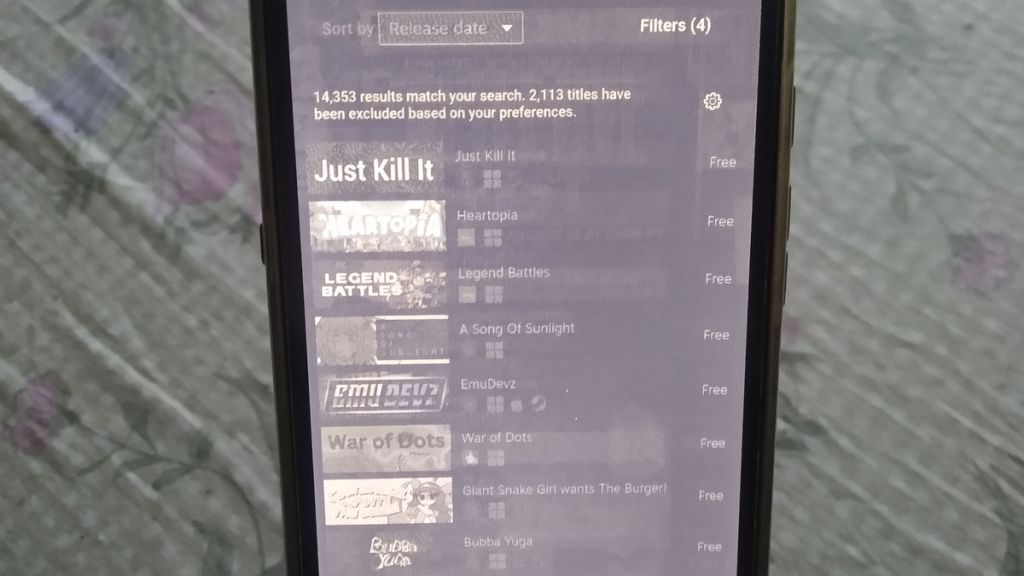
This will then list all of Steam’s free games in order of release, from newest to oldest. You’re done!
Other Options on Filtering Titles
As I alluded to earlier, you can do additional filtering of your search results on the Steam Store. Here are some tips about that.
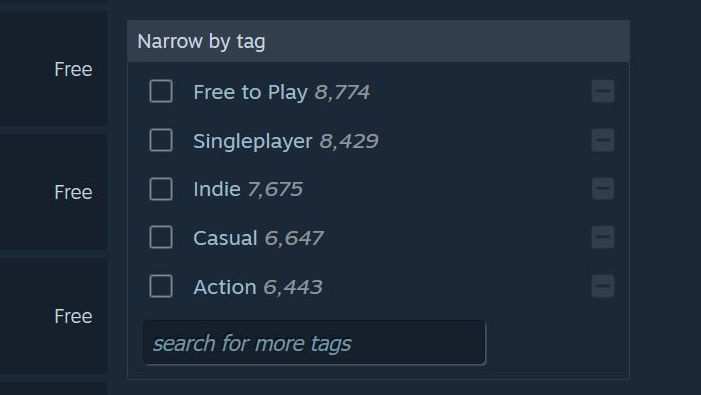
With the Narrow by Tag, you can have Steam only show you genres or topics that you’re interested in. Some examples include Action, Horror, JRPG, and more. You can also search for specific tags. One helpful aspect about that is that after typing a few letters it gives you suggested results based on what you’ve written thus far.
For those who want to try out the most highly-rated releases, and are not concerned about when they came out, changing the Sort by value to “User Reviews” will show them to you. These may be from 2024, 2023, or earlier.
If you’re interested in demos, go to the Show selected types filter and change “Games” to “Demos.”
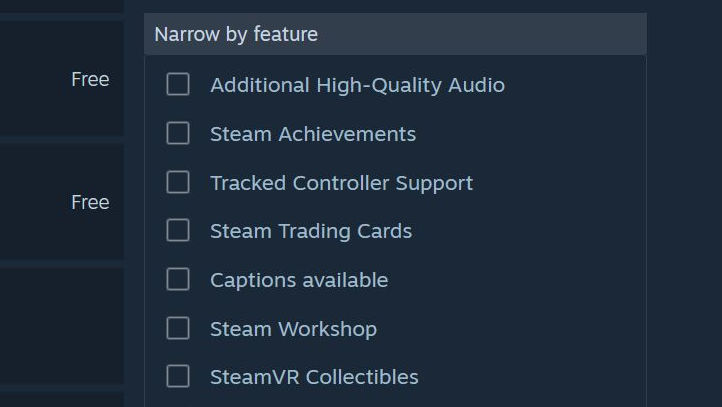
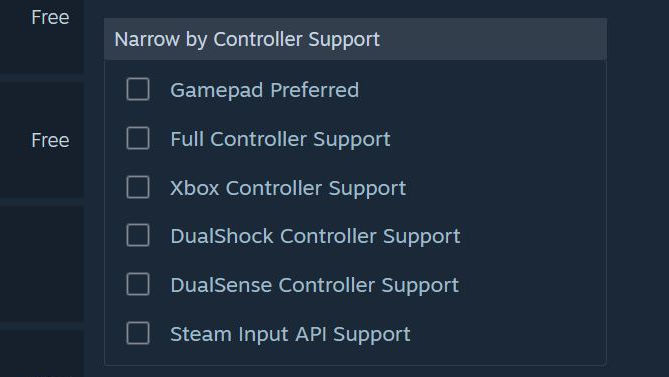
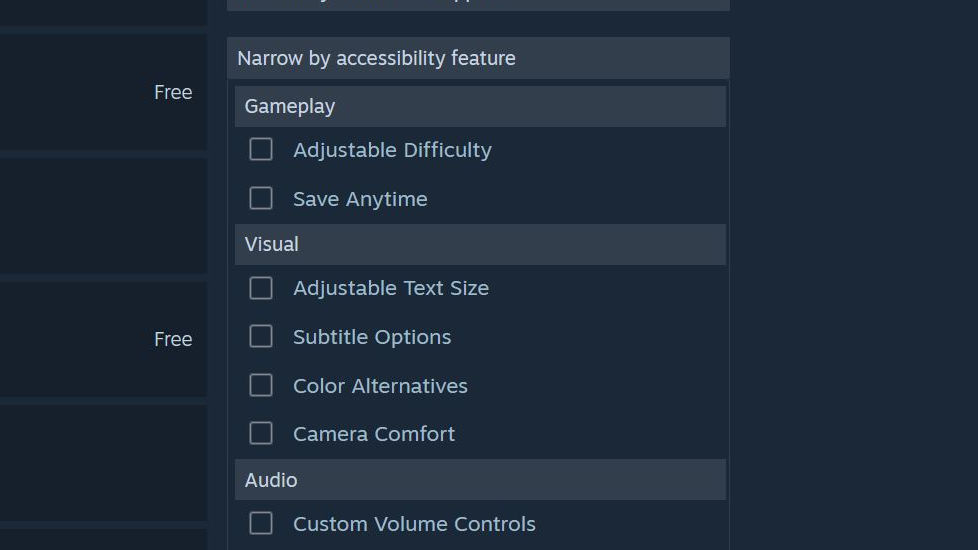
You can also Narrow by Feature, like controller support, and also accessibility features, among many other choices. Narrow by Deck compatibility is also available.
There’s truly a huge number of free games on Steam, and I hope that you’ll find something to play when you need a break!
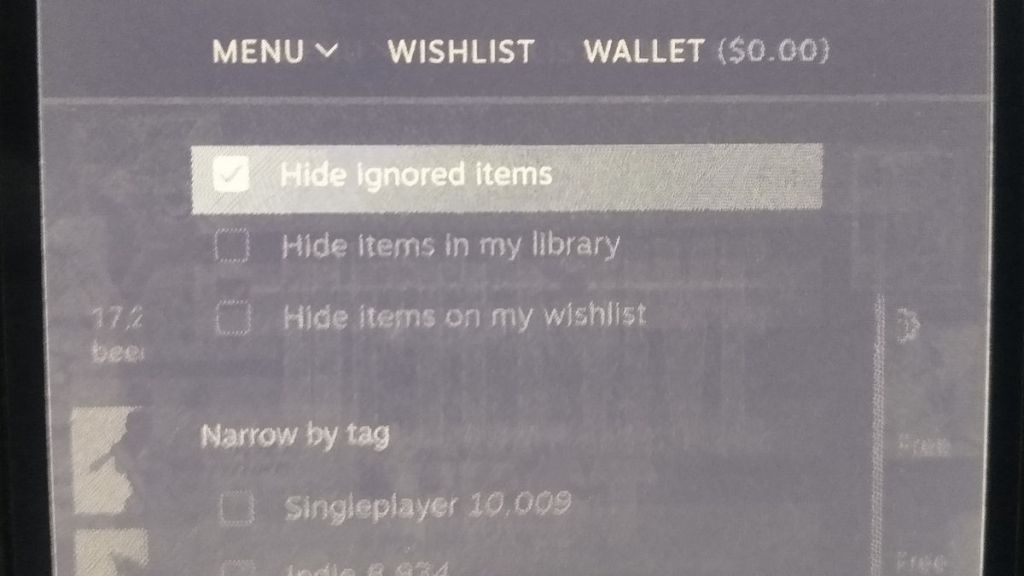
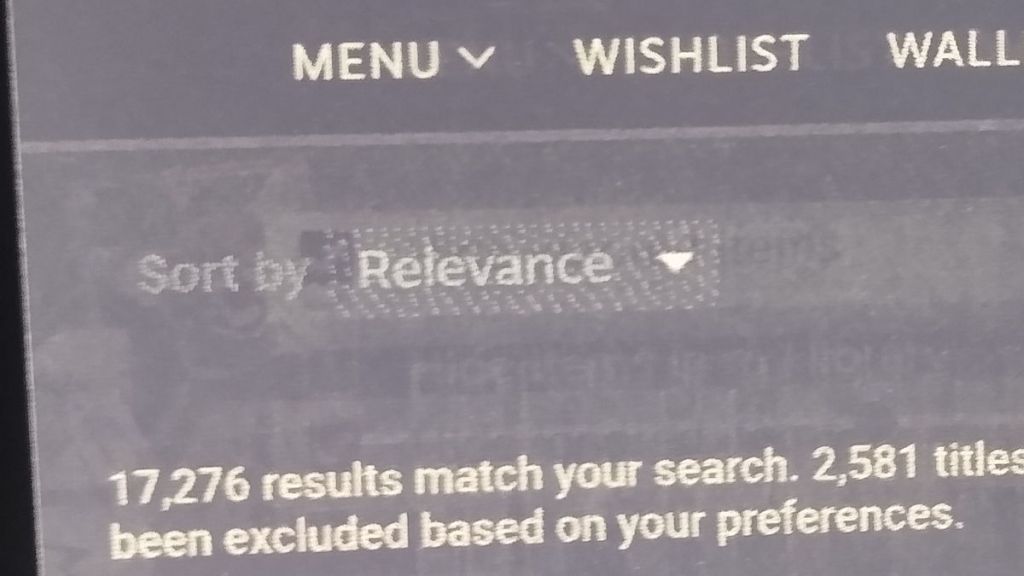
Now, as I said earlier, the below sections explain how to list only free games on mobile phones and the Steam App. Each of these instructions just have images with captions explaining what to do.
The next section below shares the instructions for a desktop browser and other filtering options (again), but with pictures
Finding Free Games on the Desktop (Photos Only)

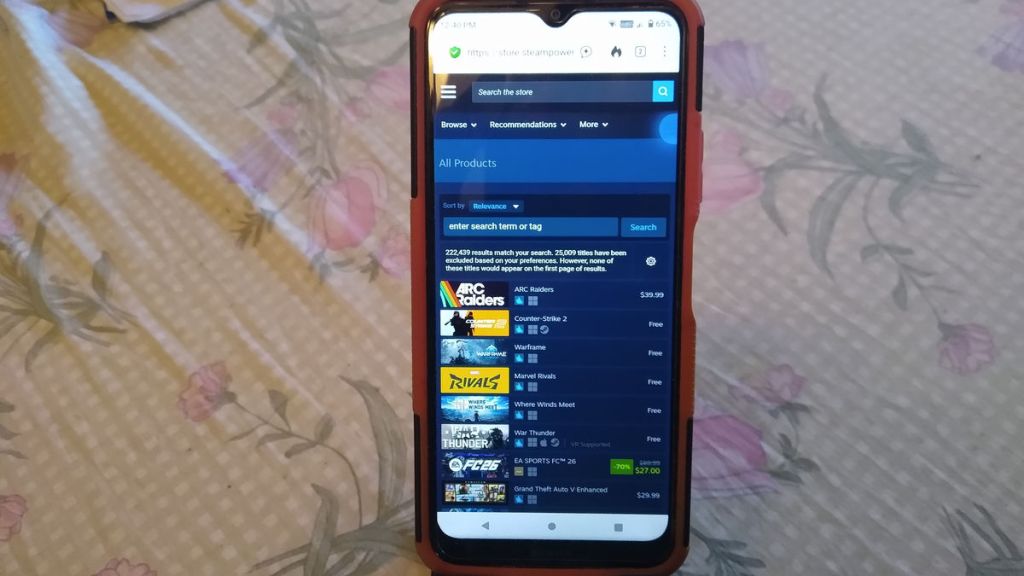
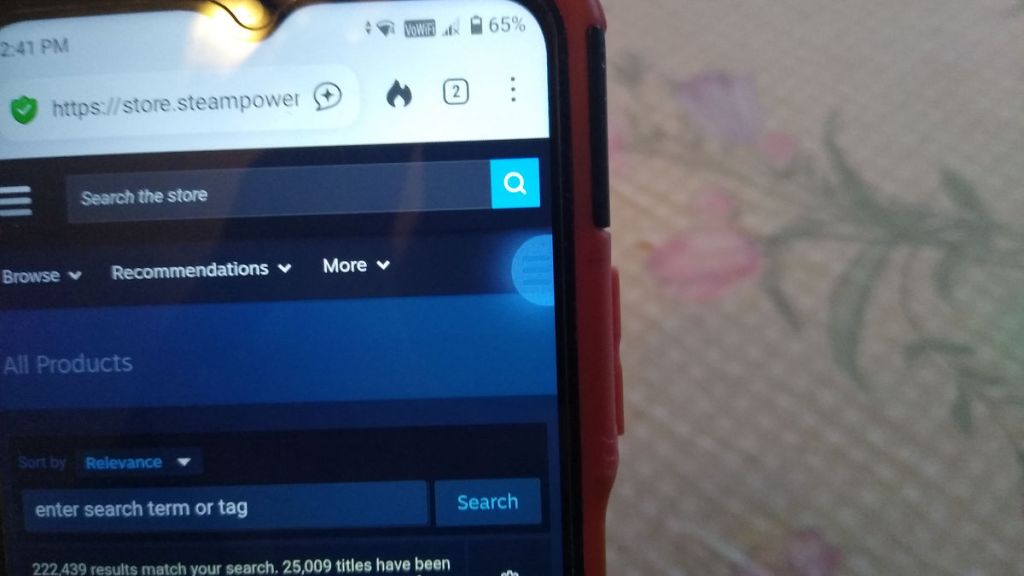
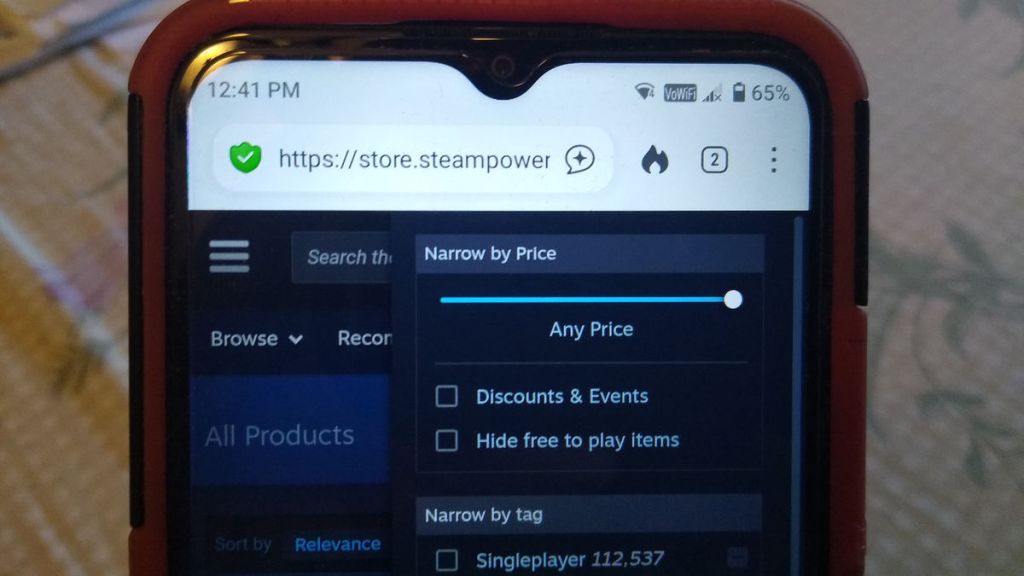
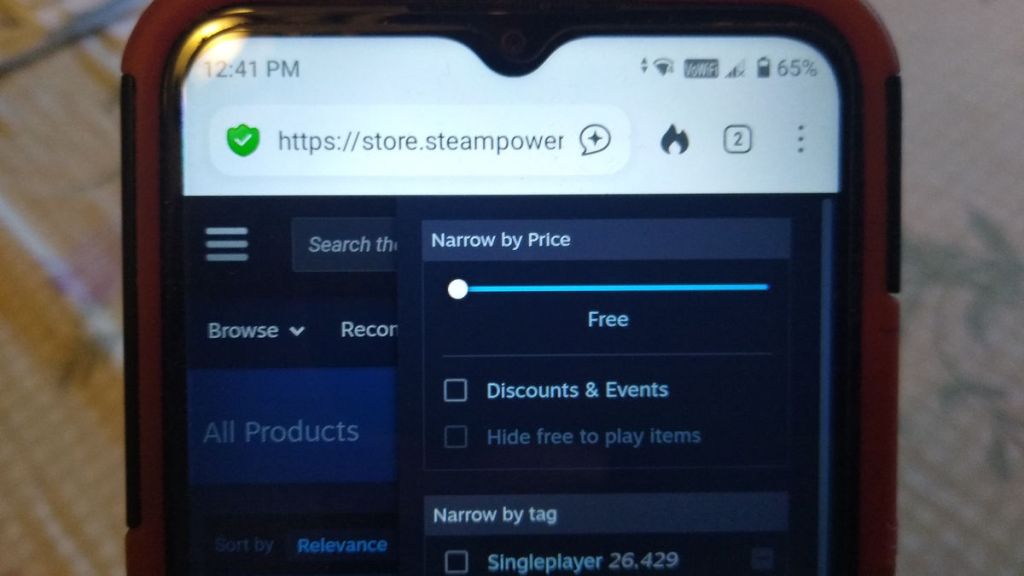
Finding Free Games on Your Phone Through a Browser (Photos Only)
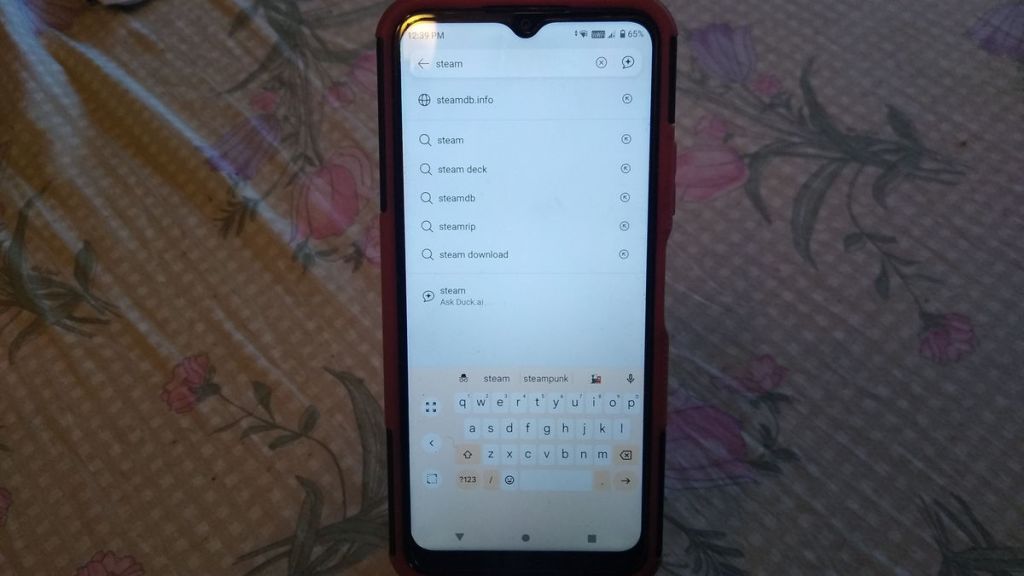
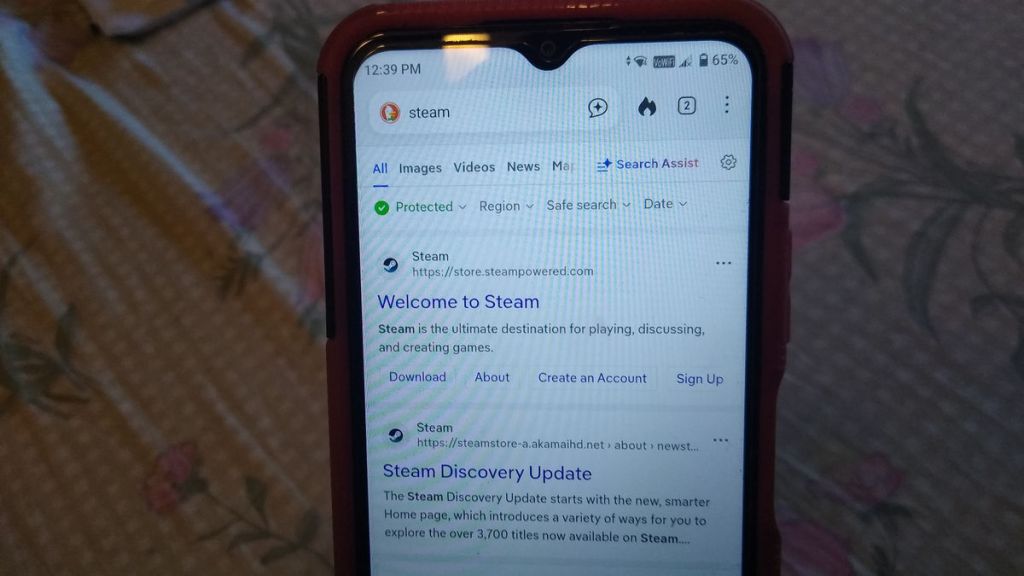
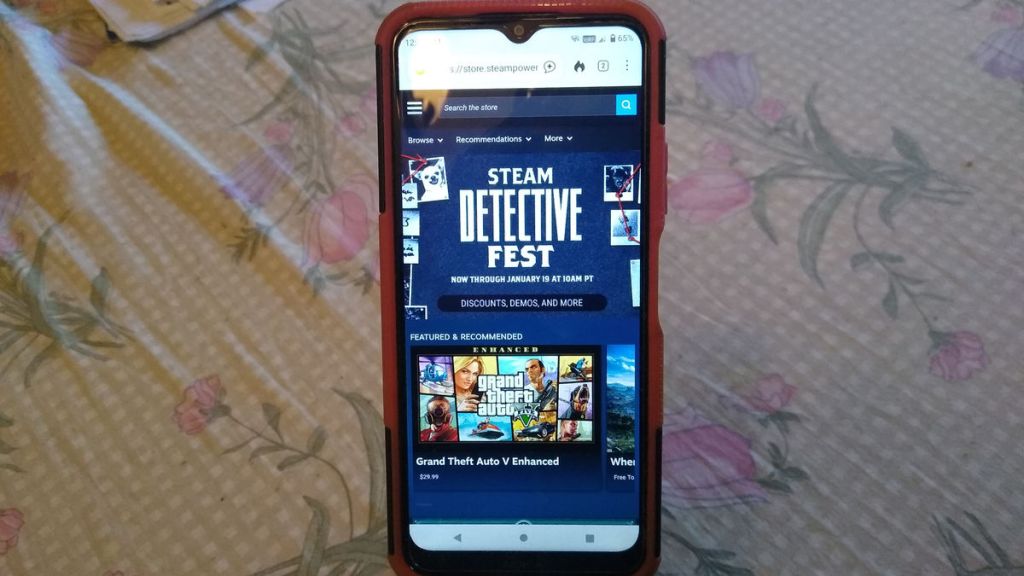
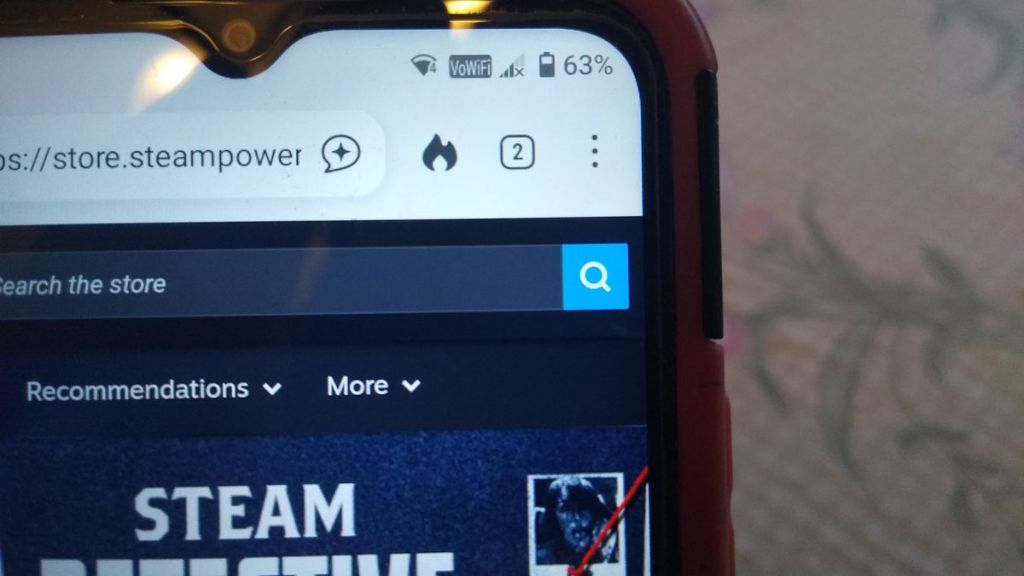
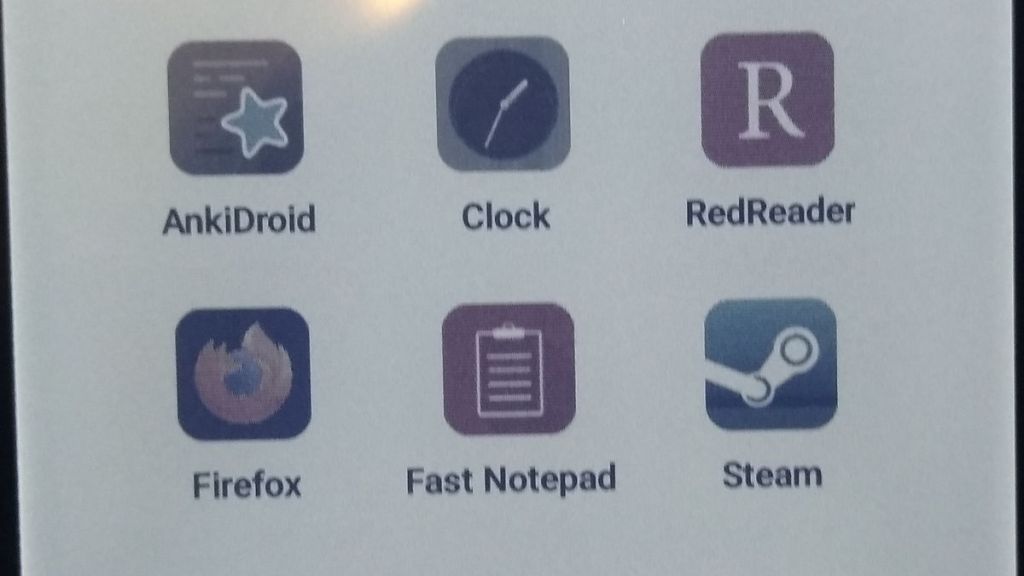
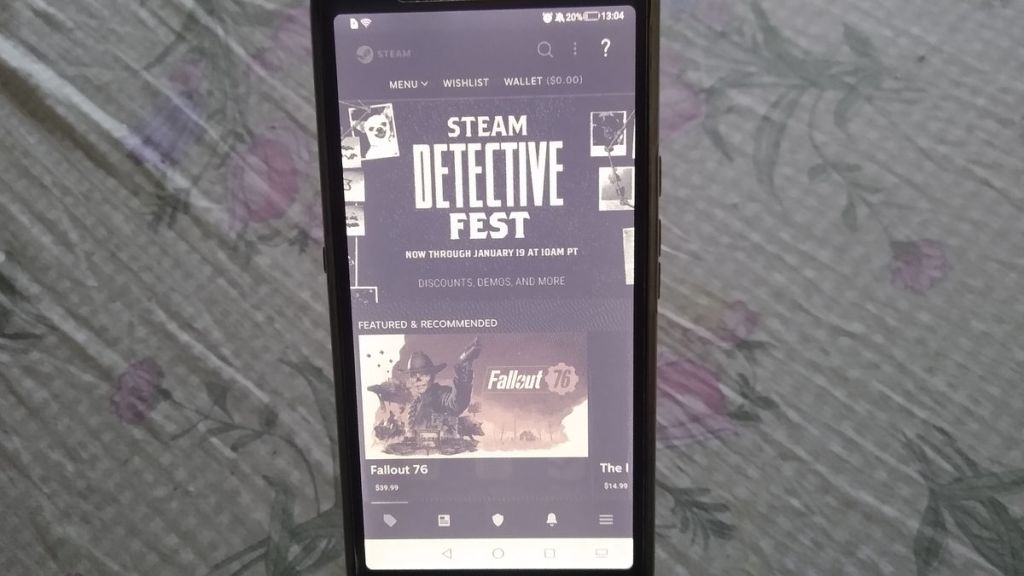
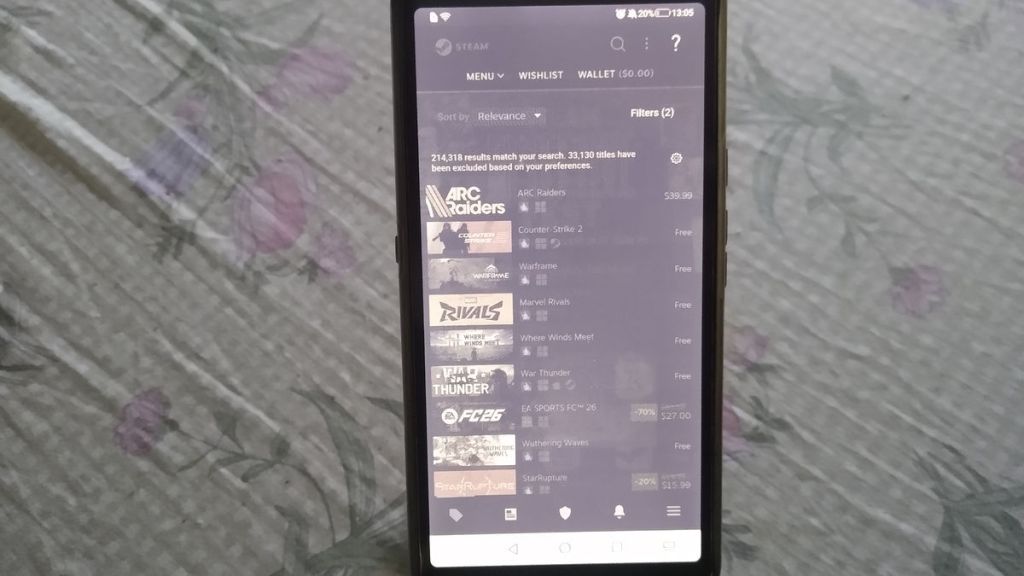
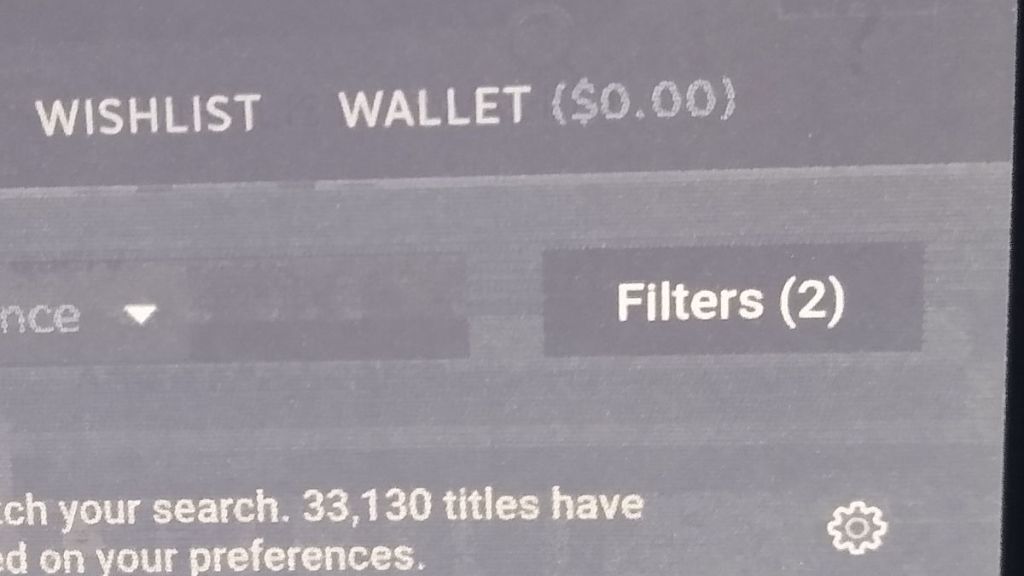
Finding Free Games Using the Steam App (Photos Only)
Note: These photos are from an e-ink phone, the Hisense A7 CC. I use it for reading and using apps that don’t require Google Play Services. That’s the reason why the colors are faint and look like water colors. My fellow e-ink fans will probably enjoy seeing this!
 Cheap Retro Gaming
Leave a comment